Your life.
Organised.
Bills, appointments, documents, vehicles and everyday finances — all in one private desktop app.
One place for the things that are normally scattered across banking apps, calendars, folders, emails and notes.
 LifeHub— □ ×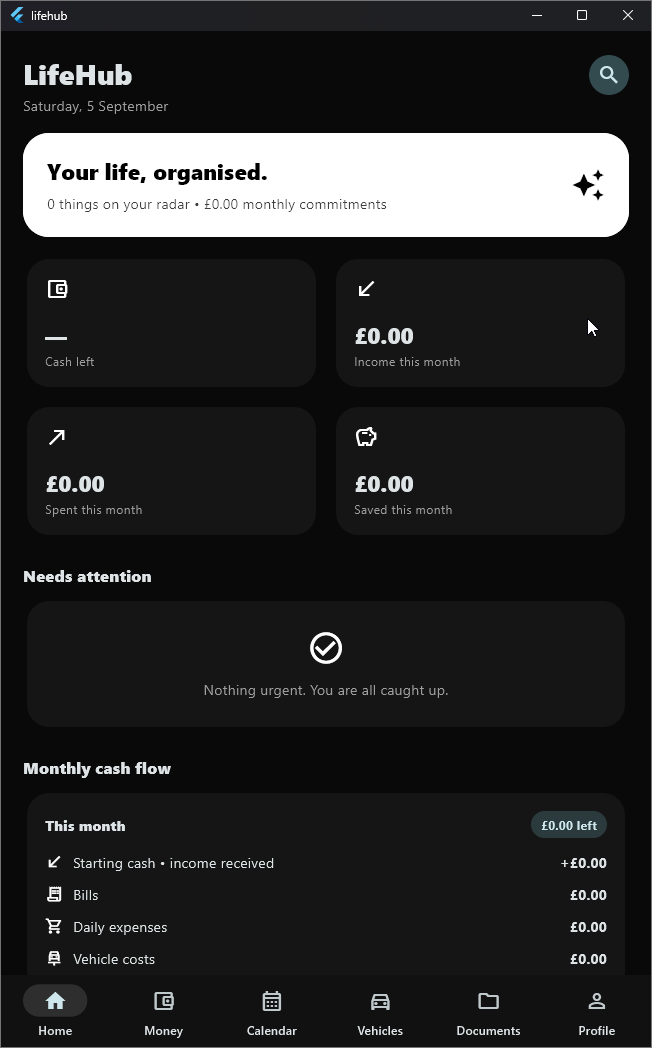
One app for everyday life
Important information should not be scattered everywhere. LifeHub brings your schedule, money, documents, vehicles and reminders into one control centre.
Stay organised
Keep appointments, bills and important dates together.
Know your money
Track budgets, spending, income and recurring commitments.
Protect important documents
Keep documents organised inside your private LifeHub Vault.
Never miss important dates
Get reminders for bills, appointments, MOTs, insurance and document expiries.
Start every day knowing what matters.
LifeHub automatically brings together today's agenda, bills, paydays, renewals, vehicle deadlines, document expiries and your money snapshot.
- Today and coming-up timeline
- Needs-attention warnings
- Money snapshot and quick actions
- Adaptive sections that stay out of your way
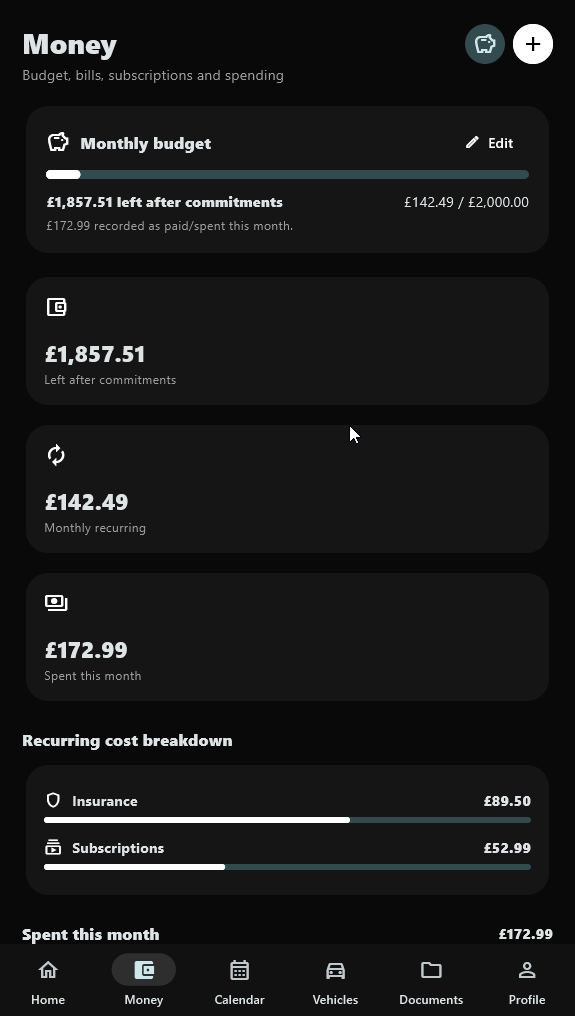
Understand where your money is going.
Set a target and see what remains.
Track recurring payments and renewals.
Record salary and other income.
Build goals and monitor progress.
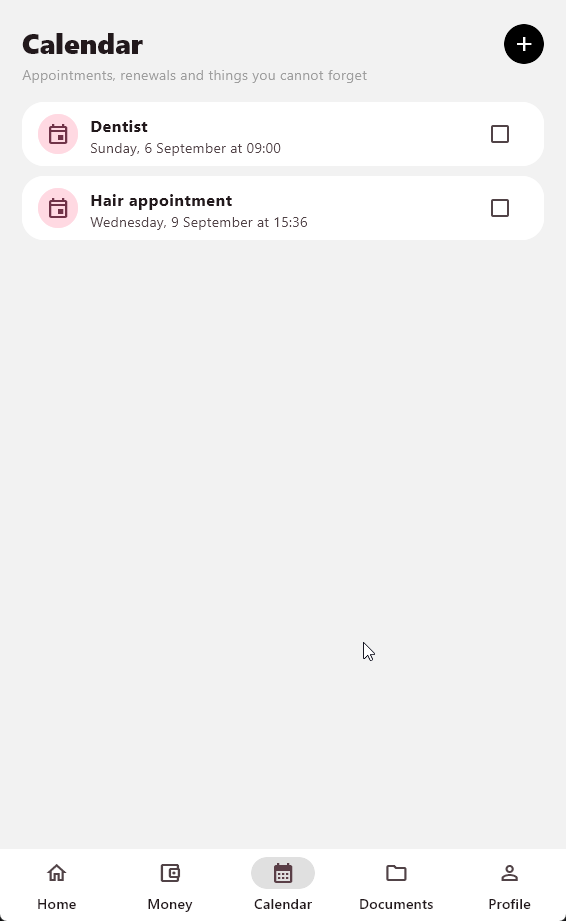
More than a calendar.
See appointments, tasks, bills, paydays, vehicle renewals and document expiries together, with search, filters, recurrence and custom reminders.
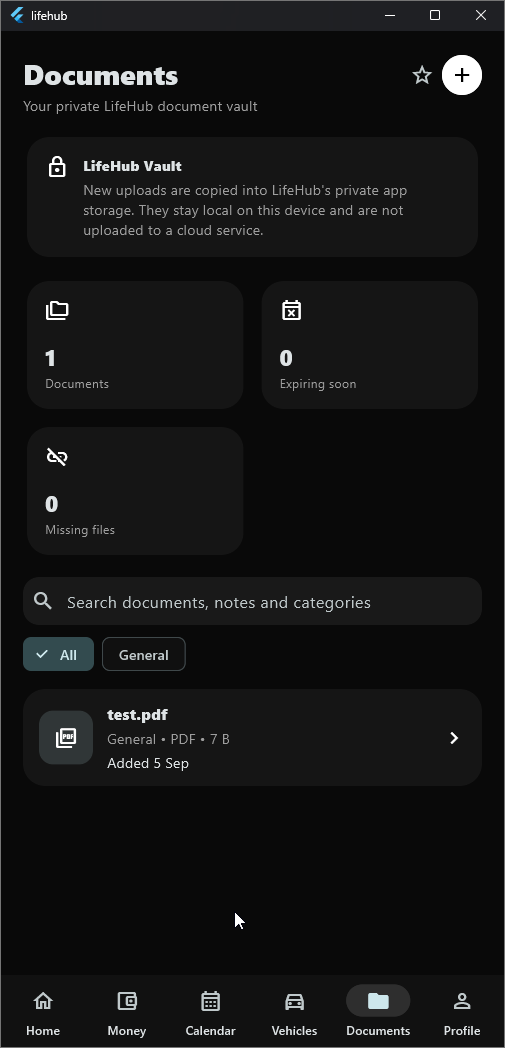
Your important documents, organised.
Stop searching through random folders. Keep useful files together with categories, tags, favourites, reminders, managed vault storage and portable backups.
- PDF support
- Image previews
- Tags & favourites
- Expiry reminders
- Recently opened
- Portable vault backup
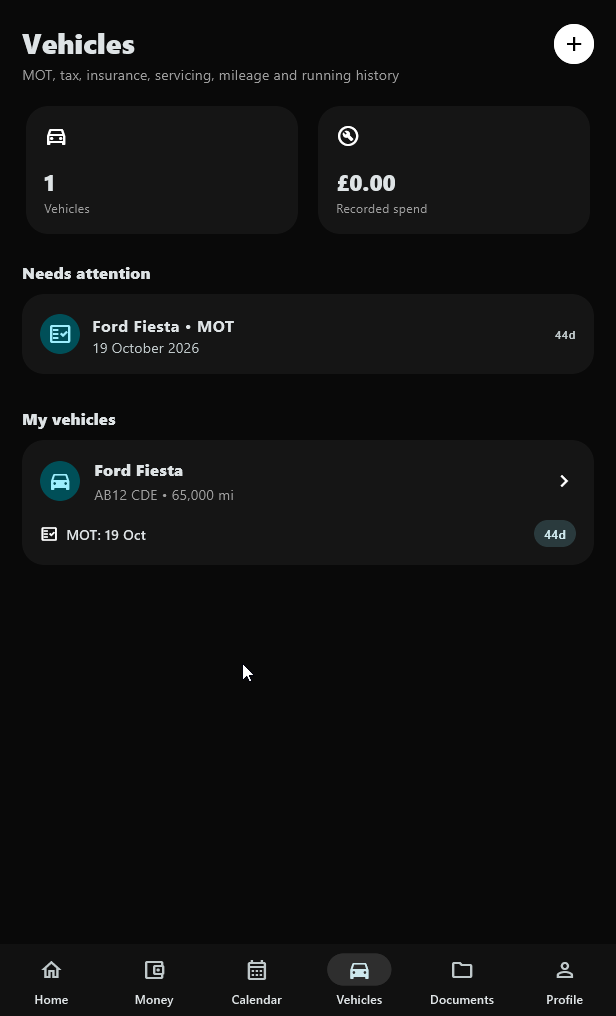
Keep on top of your vehicle.
MOT, tax, insurance, servicing, mileage and repair history stay together so important dates don't disappear into paperwork.
LifeHub reminds you before it becomes a problem.
Customise warning times for bills, appointments, paydays, vehicles and documents using local Windows notifications.
Your life should stay private.
LifeHub is built as a local-first personal desktop application. Everyday use does not require a cloud account.
- Optional app lockProtect LifeHub with a PIN.
- Windows authenticationUse device authentication where supported.
- Backup & restoreCreate portable backups and restore your records.
- Managed Documents VaultKeep selected files under LifeHub-managed local storage.
LifeHub backups do not include your LifeHub PIN.
A complete personal control centre.
See LifeHub in action.
Real application screens from the Windows desktop build.
Built for Windows.
LifeHub is a native-feeling Flutter desktop application designed for Windows 11.
Questions, answered.
Everything you need to know before installing LifeHub.
Yes. The current LifeHub Windows release is available as a free download.
LifeHub primarily stores its working data locally on your device. It is designed around a local-first approach and does not require a LifeHub cloud account for everyday use.
Yes. LifeHub includes an optional PIN lock, with Windows device authentication available where supported.
Yes. LifeHub includes backup and restore tools, including portable document-vault backups and CSV export for financial history.
The current public build is for Windows. Android and iPhone versions are planned for the future.
Yes. Vehicle deadlines can appear across the dashboard and calendar and can generate configurable reminder notifications.
Yes. The Documents Vault supports PDFs, images, categories, tags, expiry dates, reminders and managed local storage.
Most LifeHub features work locally and do not require a constant internet connection. An internet connection may still be needed for downloading the app or for operating-system services outside LifeHub.
Bring your life into one place.
Download the Windows installer and set up LifeHub in a few minutes.
Android and iPhone versions are planned for the future.